Start here
Slow Roads How To Play
Start the browser game, generate your road and learn the movement, return-to-road and driving assistance controls.
- Guides
- 14
- Topics
- 4
- On this page
- 3
Start your first browser drive
Choose and generate a road
- Choose LOCATION in WORLD to set the landscape; HILLS is an example shown in the panel.
- Choose ROAD STYLE to set the road layout; WINDING is an example shown in the panel.
- Set the SEED, such as the displayed example 42, or select randomise to choose the seed for generation.
- Select GENERATE to generate the road for your drive.
When using the world hash input box, pressing Enter also triggers world generation.
Drive and choose assistance
- Use W to drive forwards or S to drive backwards.
- Use A to steer left or D to steer right along your road.
- Press R to reset; the game labels this action Return to the road.
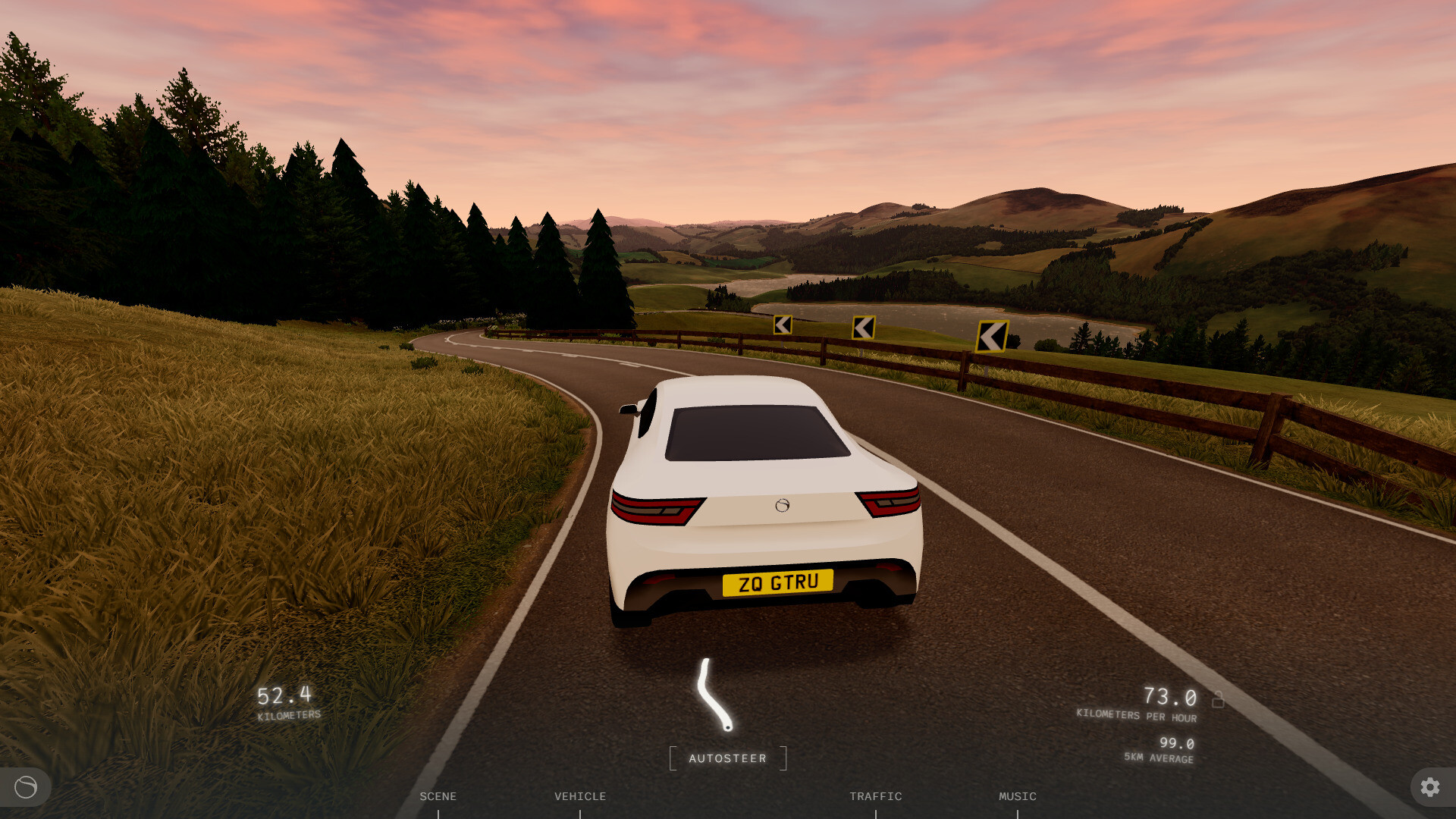
- Press F to toggle autodrive when you want driving assistance.
- Press G to change autodrive mode. Settings > GAMEPLAY > VEHICLE also provides Autodrive mode, including Full auto, with autosteer and autospeed as additional modes.
- Adjust Steer assist in Settings > GAMEPLAY > VEHICLE to choose your steering assistance setting.
- Enable One-pedal driving in Settings > GAMEPLAY > VEHICLE for gentle braking whenever you stop accelerating.