Gameplay
Slow Roads How To Drift
Try an optional sliding experiment using the browser game's handbrake, drive modes and handling settings.
- Guides
- 14
- Topics
- 4
- On this page
- 3
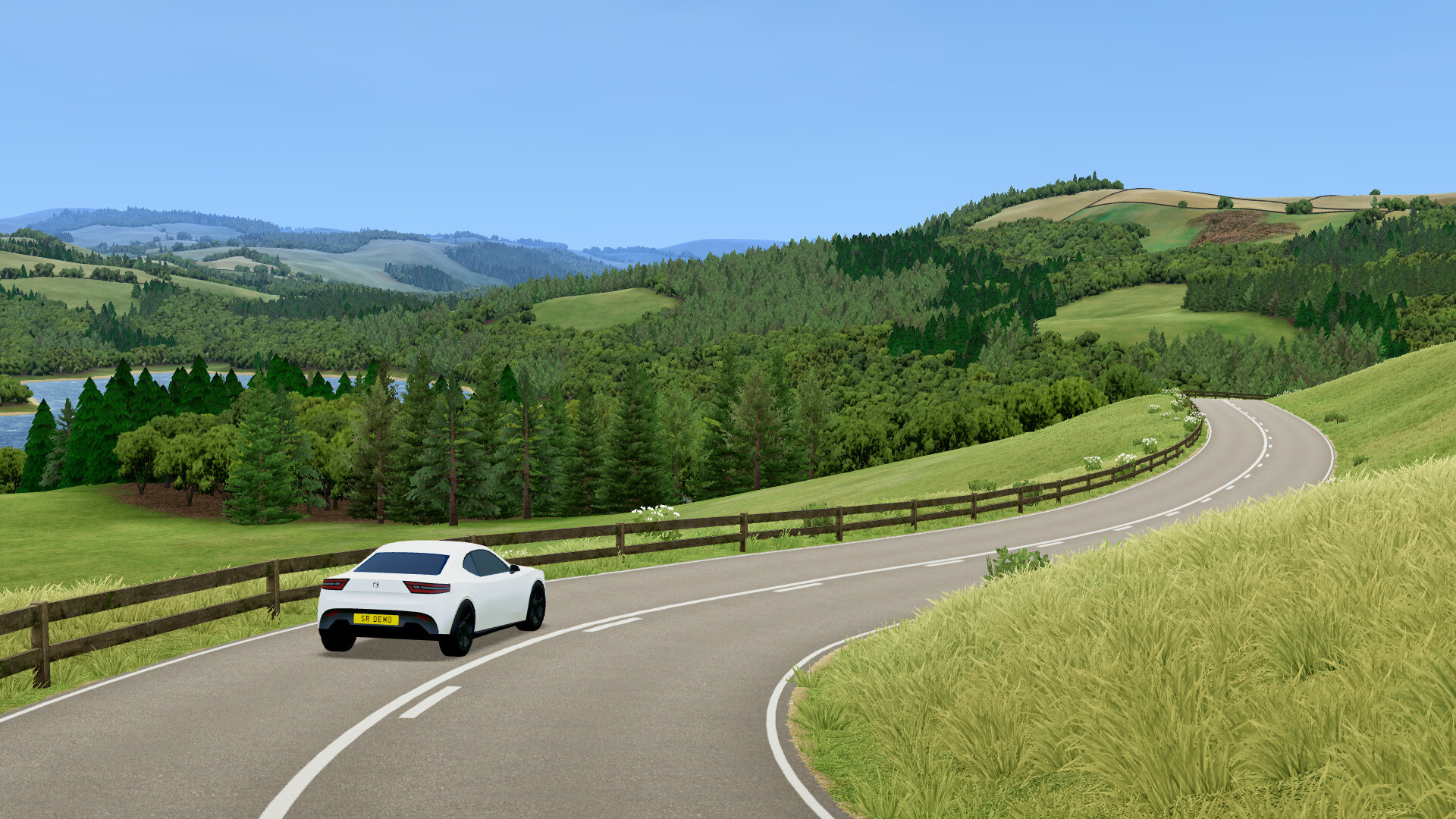
Try a slide with the handbrake
In the web game, steer with A/D and use Space for the handbrake to try an optional sliding experiment.
Experiment with the vehicle controls
- Choose a DRIVE MODE in the main VEHICLE panel: AWD, FWD or RWD. This selects the drivetrain for your experiment.
- Use W to drive forwards or S to drive backwards, positioning the vehicle for your attempt.
- Press B when you want to toggle the handbrake state.
- Adjust Steer assist, Speed factor or Grip factor in Settings > GAMEPLAY > VEHICLE, then compare the driving feel.
- Press R to reset the vehicle and return to the road for another attempt.
Treat handling settings as experiments
Grip factor, Speed factor and Steer assist are separate vehicle settings. The documented minimum Grip factor is 0.2.
Treat the grip minimum as a setting limit. Adjust the controls individually and assess each attempt as an optional driving-style experiment.