Gameplay
How To Autodrive In Slow Roads
Enable browser autodrive, choose its mode, and find the speed and lane settings.
- Guides
- 14
- Topics
- 4
- On this page
- 3

Enable autodrive and choose a mode
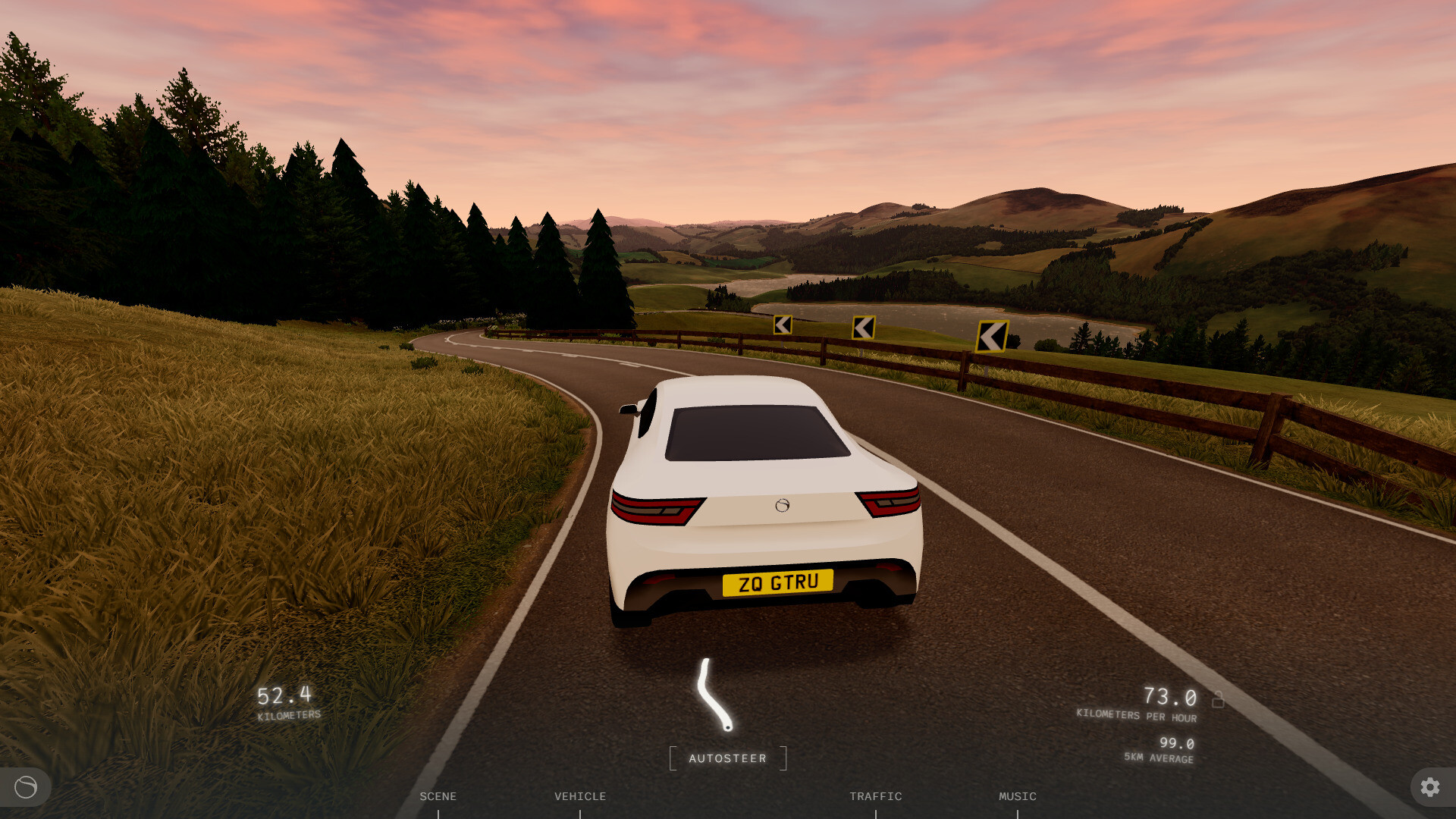
In the browser game, use the Autodrive control or press F to toggle autodrive. Press G to change its mode. The available modes include Full auto, autosteer and autospeed.
Adjust mode, speed and lane
- Open Settings > Gameplay > Vehicle to reach the autodrive mode, speed and lane controls.
- Choose your preferred setting in Autodrive mode; Full auto is a listed choice, alongside the autosteer and autospeed modes.
- Adjust Autodrive speed to set your preferred speed for autodrive.
- Choose your lane through Autodrive lane; the lane selector includes Left.
Use the separate cruise-control shortcuts
Cruise control has its own browser keyboard mappings: J toggles cruise control, I increases its setting, K decreases it and L toggles its mode. Autodrive uses F and G, with its speed and lane controls in Gameplay > Vehicle.