Gameplay
How to Change Your Vehicle in Slow Roads
Use the web game's Vehicle menu to choose a vehicle, and compare Steam's vehicle lineup and customization options.
- Guides
- 14
- Topics
- 4
- On this page
- 2
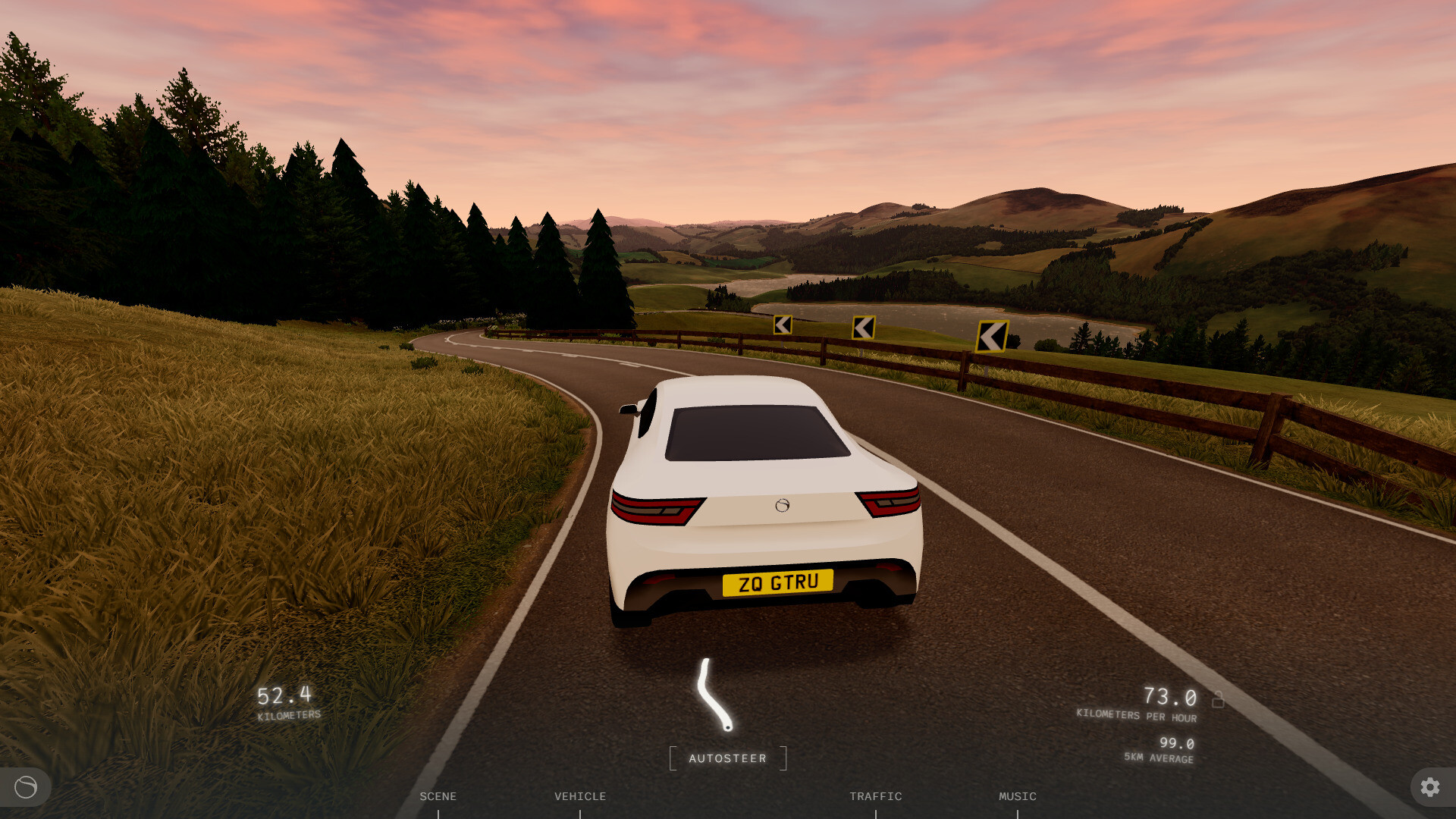
Choose a vehicle in the web game
- Open the web game's VEHICLE menu to reach the TYPE selector.
- Choose your preferred vehicle using TYPE to change what you drive.
The panel also has a separate DRIVE MODE control with AWD, FWD and RWD options.
Vehicle choices and customization on Steam
Steam's vehicle lineup includes the coupe, hatch, sports car, coach and bike. The Hatch and Sports car are identified as added vehicles.
In the Steam game, customize your vehicle's colours, wheels, plates, engine and handling. Any vehicle can use an electric or combustion engine; combustion engines offer manual or automatic transmission.